Discover the FAQs Every Keyboard User Asks
- Hsoj Mil
- Oct 12
- 4 min read
If you’ve ever stared at your keyboard wondering why a key sticks or how to make your typing smoother, you’re not alone! Keyboards are the unsung heroes of productivity and gaming, yet they come with their own quirks and mysteries. Lucky for you, I’m diving deep into the world of keyboards to answer the most common questions that pop up. Whether you’re hunting for the perfect custom ergonomic setup or just want to troubleshoot that annoying double-press, this keyboard FAQ guide has got your back.
Your Ultimate Keyboard FAQ Guide: What You Need to Know
Let’s kick things off with the basics. Keyboards might look simple, but they’re packed with tech and design choices that can make or break your experience. Here’s what you should know:
Mechanical vs. Membrane: Mechanical keyboards use individual switches under each key, offering tactile feedback and durability. Membrane keyboards rely on pressure pads and are quieter but less precise.
Ergonomics Matter: A keyboard that fits your hands and typing style reduces strain and boosts comfort. Split designs, tenting, and wrist rests are game-changers.
Key Rollover and Anti-Ghosting: For gamers and fast typists, these features ensure every keypress registers correctly, even when multiple keys are pressed simultaneously.
Custom Keycaps and Layouts: Personalize your setup with different keycap materials, colors, and layouts like QWERTY, Dvorak, or Colemak.
If you’re curious about how these features impact your daily grind or gaming marathons, keep reading. I’ll break down the essentials and share tips to help you pick or upgrade your keyboard like a pro.
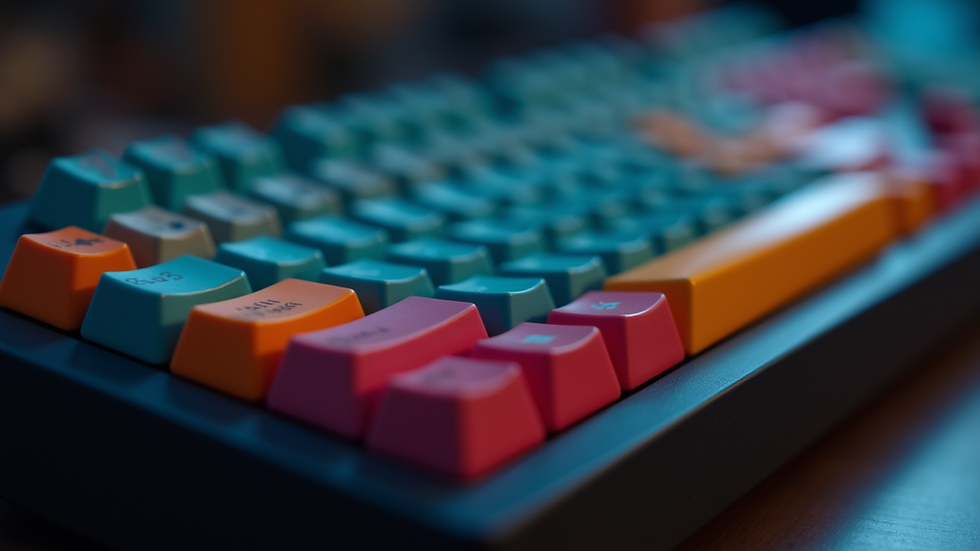
Mechanical keyboards offer tactile feedback and customization options.
What are Frequently Asked Questions?
You might be wondering, what exactly are frequently asked questions? Simply put, they’re the common queries that pop up again and again when people explore a topic—in this case, keyboards. These questions help cut through the noise and get straight to the heart of what users really want to know.
For example, questions like “Why does my keyboard lag?” or “How do I clean my keyboard safely?” are classic examples. They reflect real-world problems and curiosity. That’s why I always recommend checking out a solid frequently asked questions resource—it saves time and frustration.
By understanding these FAQs, you can avoid common pitfalls and make smarter choices about your keyboard setup. Plus, it’s a great way to learn about new features or accessories that can enhance your typing or gaming experience.

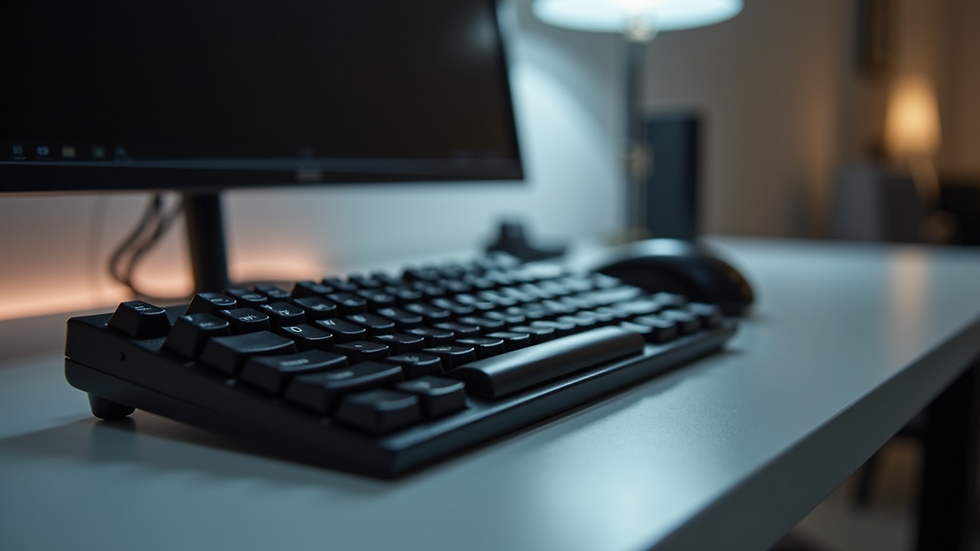
Ergonomic accessories like wrist rests improve comfort during long typing sessions.
Troubleshooting Common Keyboard Issues Like a Pro
Nothing kills your flow faster than a keyboard that misbehaves. But don’t panic! Most problems have simple fixes. Here’s a quick guide to tackle the usual suspects:
Sticky or Unresponsive Keys: Dust and debris love to hide under keys. Use compressed air or gently remove keycaps to clean underneath. For mechanical keyboards, lubricating switches can help.
Keyboard Lag or Delay: This could be a connection issue. Try switching USB ports or updating your keyboard drivers. Wireless keyboards might need fresh batteries or a reset.
Double Typing or Missed Keystrokes: This often points to switch wear or dirt. Cleaning helps, but if the problem persists, consider replacing the switch or the keyboard.
Keys Not Registering Correctly: Check your keyboard layout settings on your computer. Sometimes, language or input settings get mixed up.
Backlight Not Working: Ensure your keyboard’s lighting software is up to date. Some keyboards have hardware switches for lighting—double-check those too.
If you’re a gamer, these issues can be especially frustrating. A lag or missed keypress during a critical moment can cost you the game. That’s why investing in a quality keyboard and maintaining it regularly is key.

Regular cleaning with compressed air keeps keyboards responsive and extends their lifespan.
How to Choose the Perfect Keyboard for Your Needs
Choosing a keyboard isn’t just about picking the flashiest model. It’s about matching your keyboard to your lifestyle and goals. Here’s how to zero in on the perfect fit:
For Productivity Seekers: Look for ergonomic designs that reduce wrist strain. Split keyboards, adjustable tenting, and cushioned wrist rests can make marathon typing sessions easier.
For Gamers: Prioritize mechanical keyboards with fast switches (like Cherry MX Reds or Speed Silvers), anti-ghosting, and customizable RGB lighting. Macro keys and software customization are bonuses.
For Keyboard Enthusiasts: Explore custom builds with hot-swappable switches, artisan keycaps, and unique layouts. This is where you can really express your personality and typing style.
Consider Connectivity: Wired keyboards offer reliability and zero lag, while wireless models provide freedom and cleaner setups. Some keyboards offer both options.
Budget Wisely: You don’t have to break the bank for quality. Mid-range mechanical keyboards offer excellent performance and durability.
Remember, the best keyboard is the one you enjoy using every day. Don’t be afraid to test different models or read reviews to find your match.
Boost Your Setup with Accessories and Maintenance Tips
A keyboard is just one piece of your workspace puzzle. Accessories and proper care can elevate your experience to the next level:
Wrist Rests: Reduce strain and keep your hands comfortable.
Keycap Pullers and Switch Openers: Essential tools for cleaning and customization.
Desk Mats: Provide a smooth surface and protect your desk.
Cleaning Kits: Keep your keyboard spotless and functioning well.
Software: Many keyboards come with software for remapping keys, creating macros, and adjusting lighting.
Maintenance is simple but crucial. Regularly clean your keyboard, update firmware, and check for wear. This keeps your keyboard feeling fresh and responsive for years.
Ready to upgrade your typing game? Dive into the world of custom ergonomic keyboards and accessories at CAEK.store. They’re all about making your workspace comfortable, efficient, and uniquely yours. Whether you’re grinding through work or dominating in games, the right keyboard setup makes all the difference.
Happy typing!


Comments